The operating system for HVAC companies
Answer every lead. Book more jobs. Run every job. Collect every dollar.
Website, CRM, calls, AI receptionist, dispatch, truck inventory, estimates, invoices and memberships — one system, branded as yours, live on your own domain in an afternoon.
- 14-day free trial
- No card to start
- Your data stays yours
Four promises
Everything is organised around four outcomes
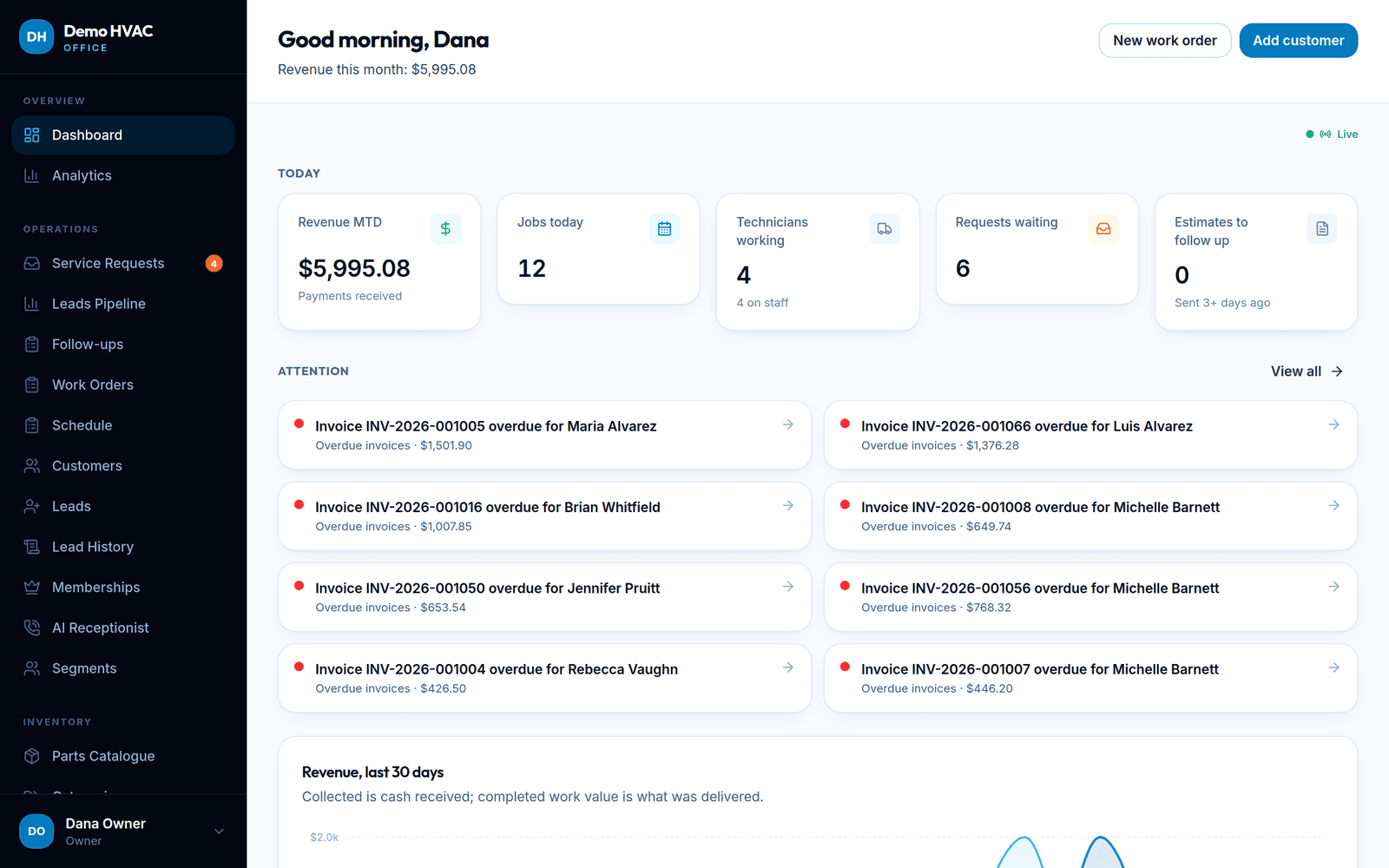
Not a pile of features: each module exists to keep one of these promises, and the dashboard tells you every morning which one needs attention.
Answer every lead
Calls, website requests, portal requests and AI-answered calls all become traceable CRM events with a caller screen pop and a customer briefing.
Book more jobs
A hosted website with service and location pages feeds the pipeline; follow-ups, unsold-estimate reminders and maintenance reminders keep leads moving.
Run every job
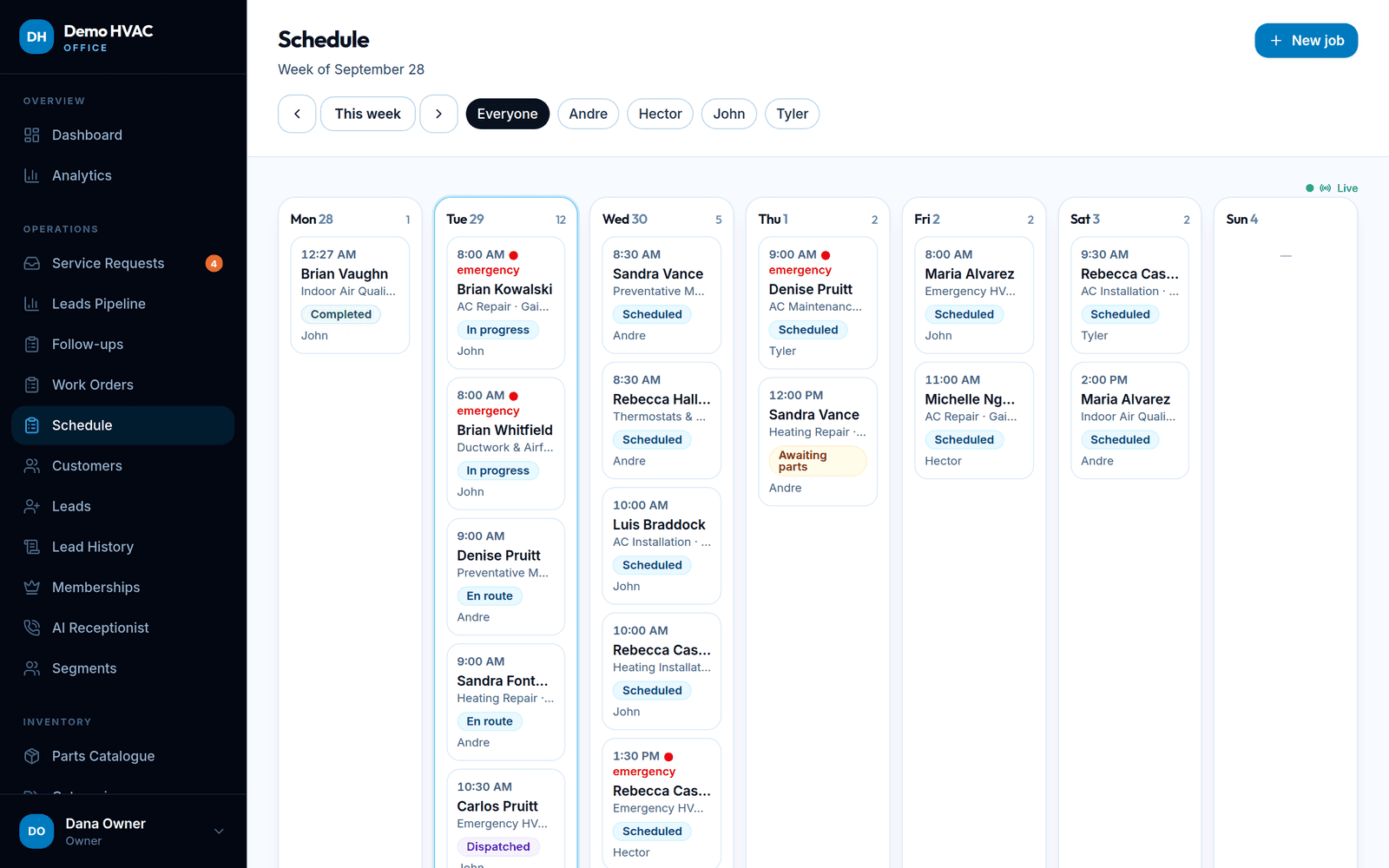
Dispatch board, a technician app built for the field, equipment history, photos, notes, parts used from the truck and completion rules.
Collect every dollar
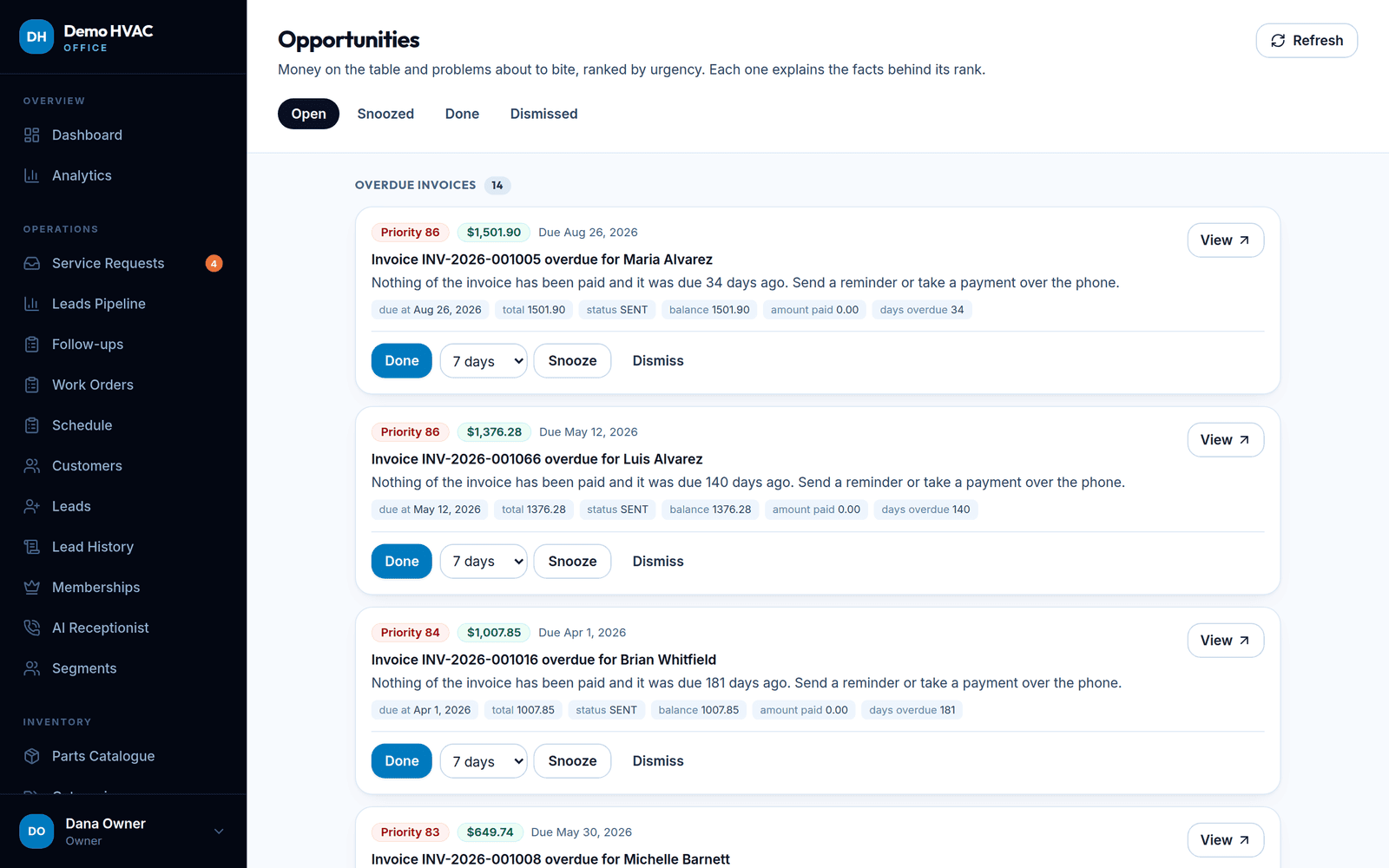
Signed estimates, invoices, payments and numbered receipts, with overdue invoices and unsold estimates surfaced as ranked opportunities.
Modules
From the first ring to the final receipt
Eleven modules, one login, one customer record. Each page shows real screenshots, what it does and what you connect.
CRM & customers
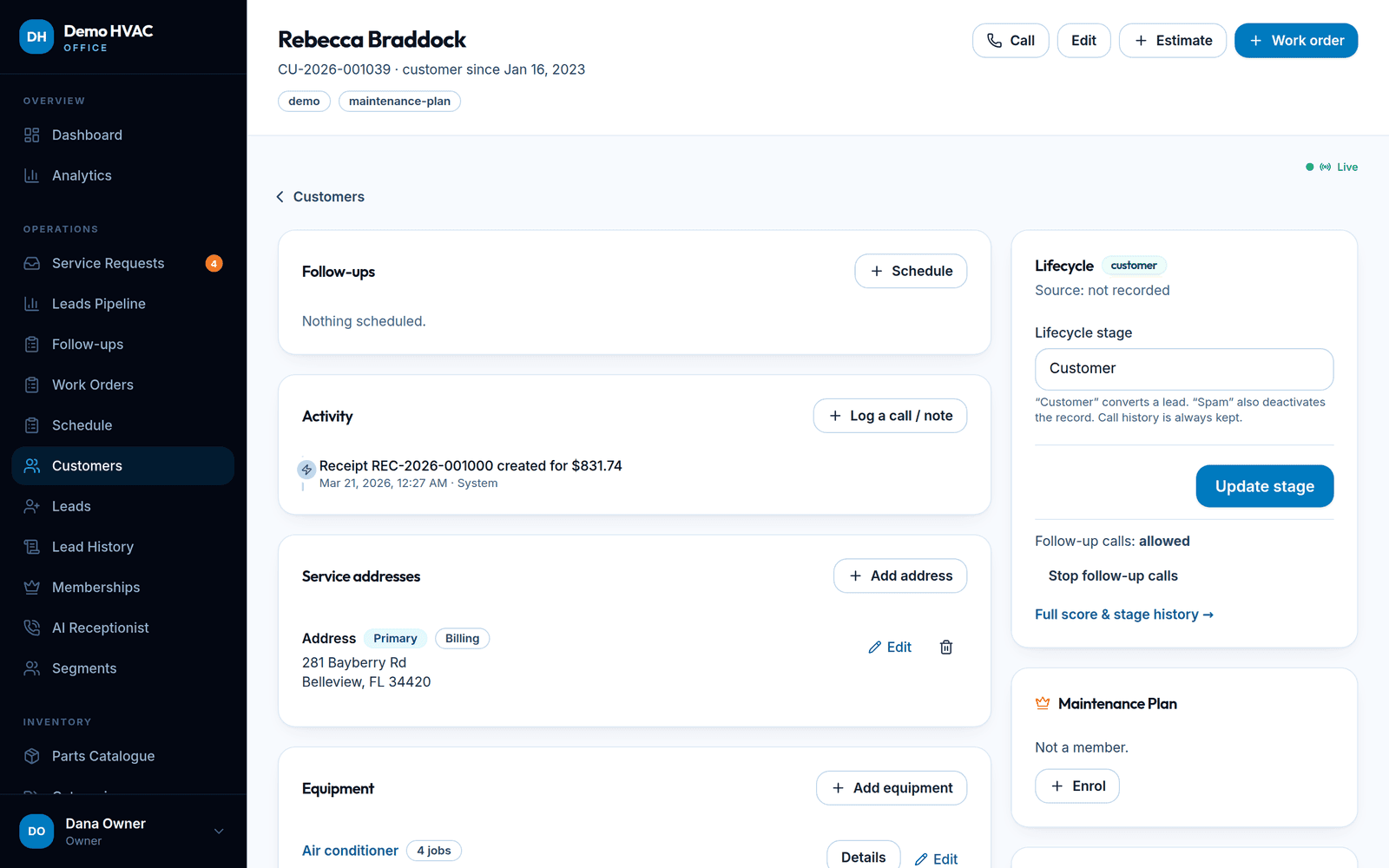
Customers, leads, properties, equipment and a timeline for every interaction.
Dispatch & technicians
A weekly board per technician and a field app that works with gloves on.
Call center
Inbound calls with a screen pop, customer briefing and a browser softphone.
AI receptionist
Answers, triages and books when nobody can pick up — nights and weekends too.
Website & SEO
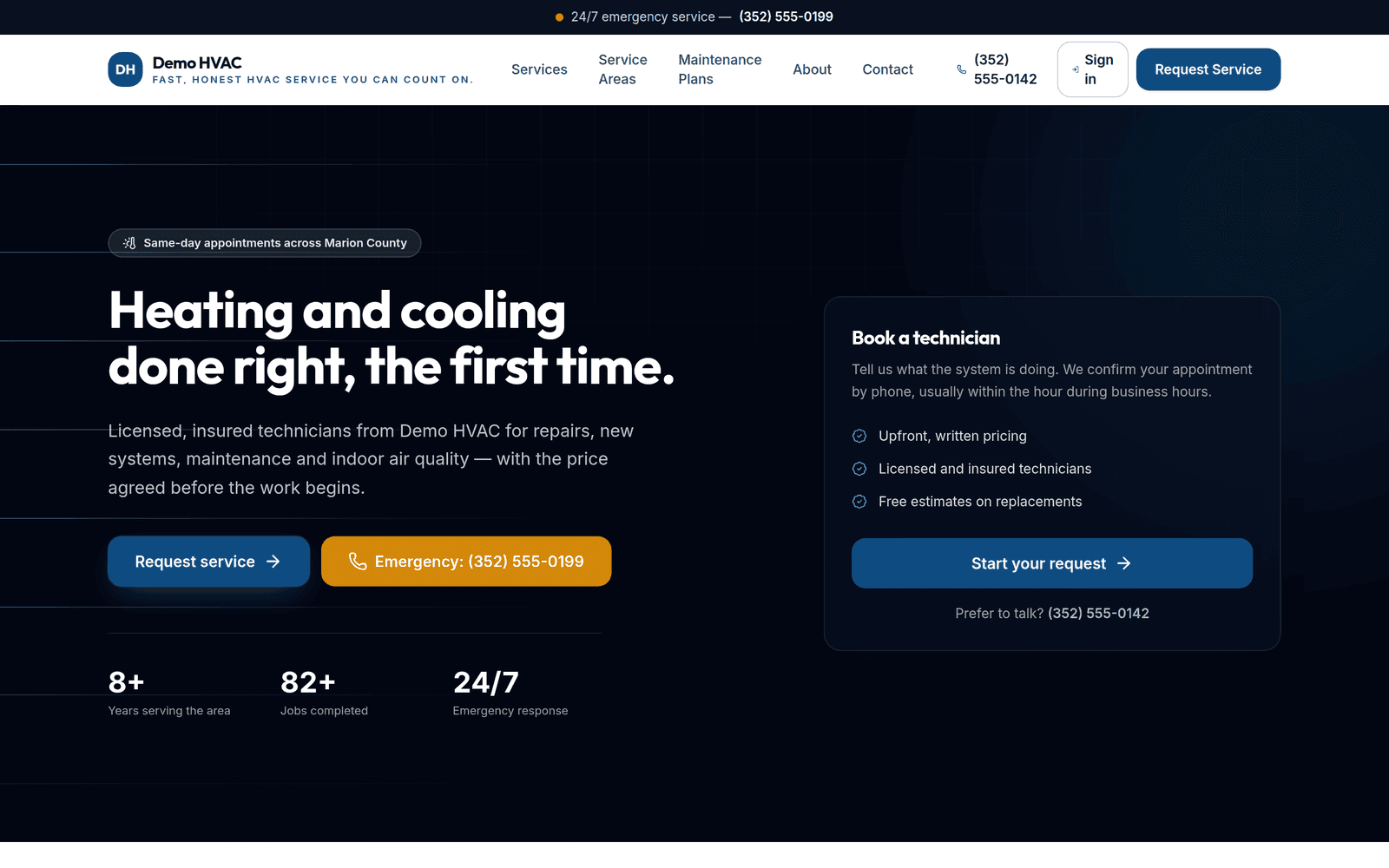
A hosted website on your domain that feeds the CRM directly.
Estimates, invoices & payments
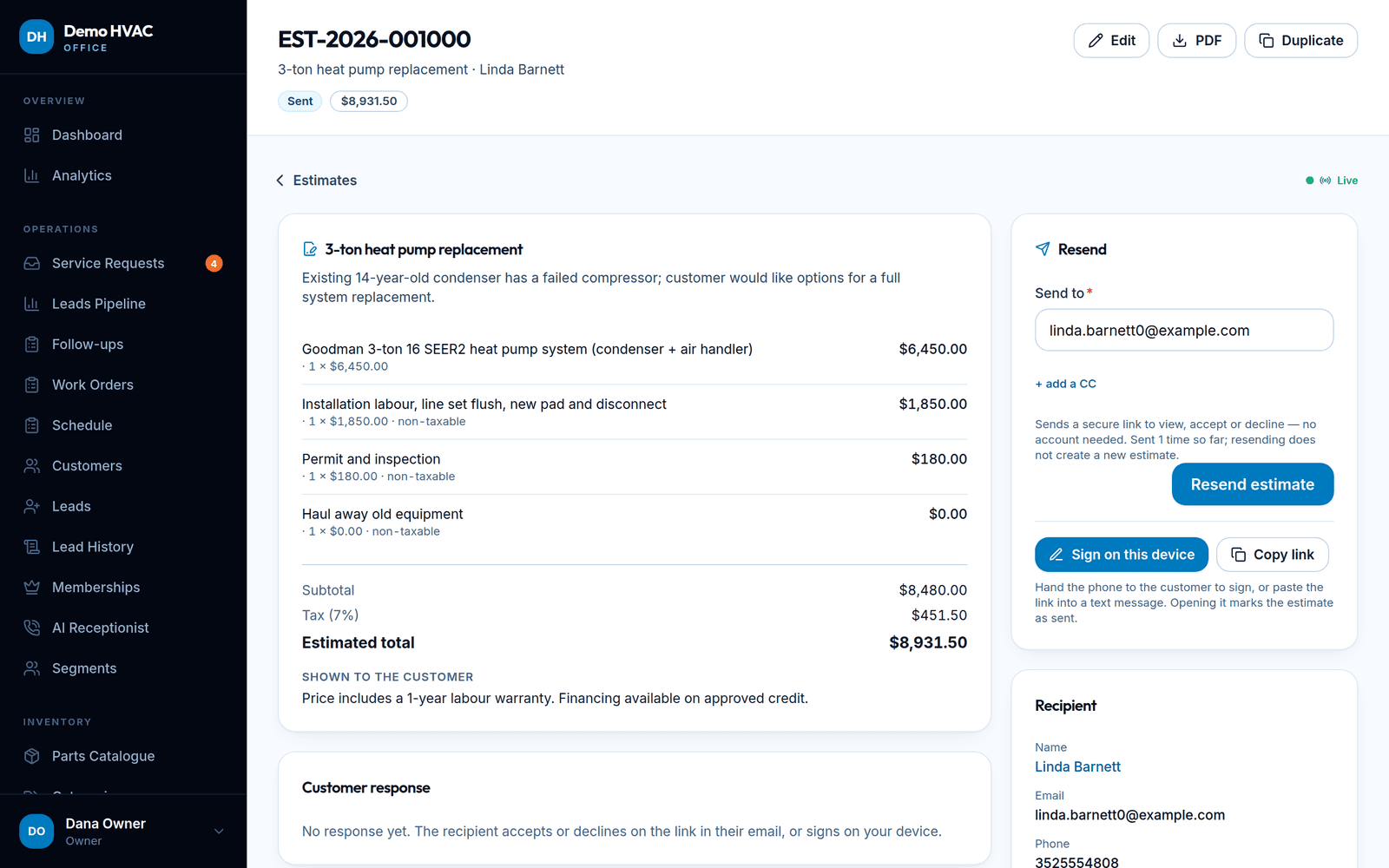
Quotes signed online, invoices with receipts, payments recorded against the job.
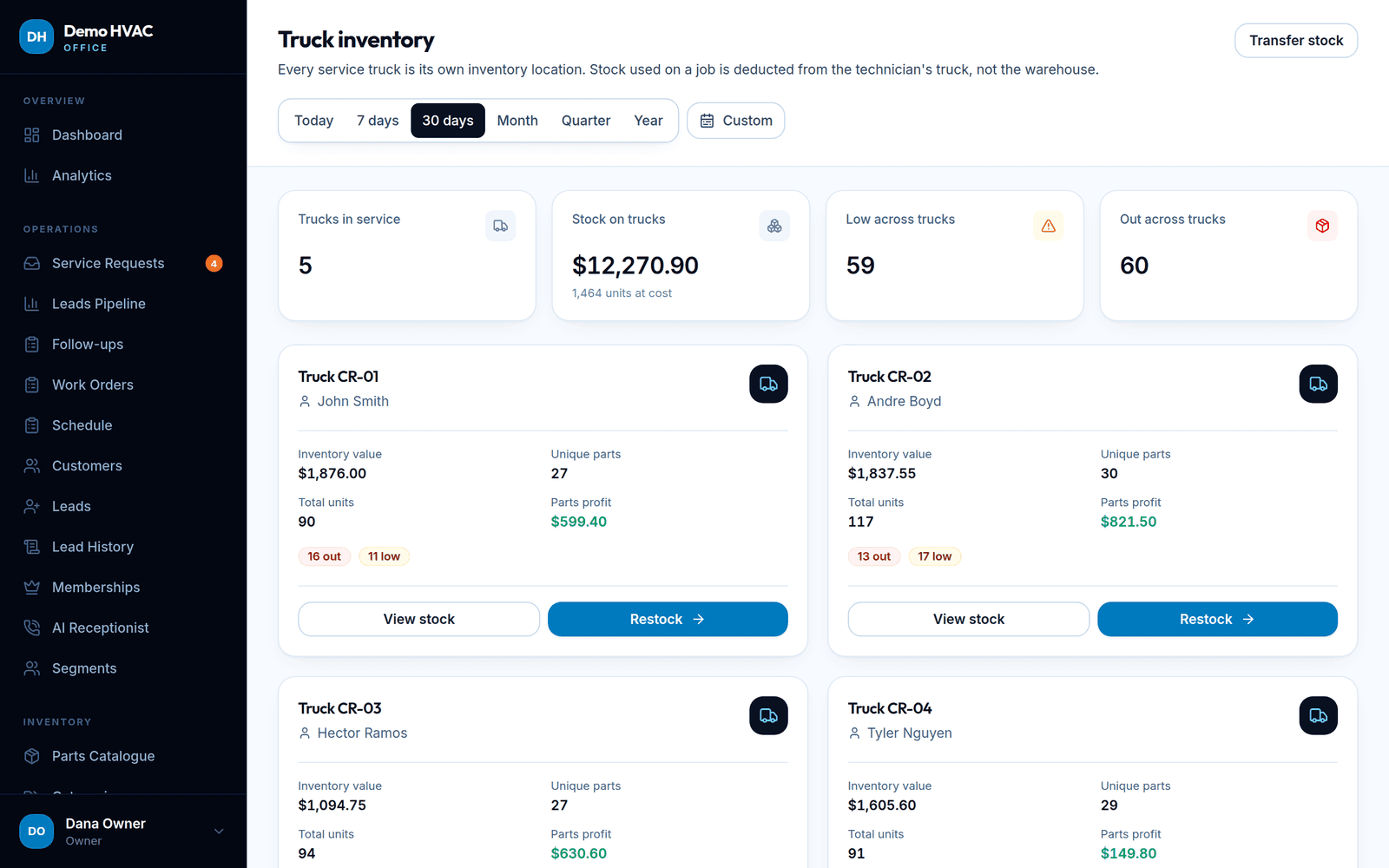
Inventory & trucks
A parts catalogue, a warehouse, and every truck as its own stock location.
Maintenance memberships
Recurring maintenance plans that renew themselves and remind the office.
Customer portal
A branded login where customers see jobs, estimates, invoices and equipment.
Reporting & opportunities
Collected vs delivered, profit, pipeline, and a ranked list of money on the table.
Security & data
Isolated per company at the database layer, encrypted secrets, audit everything.
Real screens
What you are actually getting
Screenshots from a demo company on the platform — fictional customers, real product. The guided demo walks through them in order.
Pricing
Plans for one truck to thirty
Every plan includes the CRM, dispatch, estimates, invoices, the customer portal and a hosted website. Prices are read live from the plan table.
Starter
$149/ month
or $124/month billed annually
2 technicians · 2 office users · 1 number
For a one-truck shop that wants scheduling, invoicing and a website without the spreadsheet.
Professional
$299/ month
or $249/month billed annually
5 technicians · 4 office users · 2 numbers · 100 AI min
Growing teams: truck inventory, call center, SMS, memberships and marketing automation.
Business
$549/ month
or $458/month billed annually
12 technicians · 8 office users · 4 numbers · 500 AI min
Multi-crew operations: AI receptionist minutes included, advanced inventory and reporting, API access.
FAQ
Before you ask
How long does setup take?
The setup wizard has ten steps (company profile, brand, services, service areas, team, hours and tax, phone and AI receptionist, payments, website, go live). Most companies can publish a website and create their first job in under an hour; the optional steps can be finished later from Settings.
Who answers the phone?
Your office, through desk phones or the browser softphone, during the hours you set. Outside those hours, or when nobody picks up, the AI receptionist can answer, triage and create a request — if you enable it and complete its go-live checklist. It can transfer hot calls to a number you choose.
Who owns the data?
You do. Export any table as CSV at any time or prepare a full ZIP export from Settings → Export. See Data handling for what is stored, where and for how long.
Can I use my own domain?
Yes, on plans that include the custom domain feature. Add the domain under Settings → Domains, create the DNS record shown, and it is verified and re-checked automatically. Until then your site and portal live on your-company.servivolt.com.
How do I cancel, and what happens to my data?
Cancel from Settings → Billing (through the Stripe billing portal) or by contacting support. Your data stays available to export for a 30-day retention window after cancellation; it is then permanently deleted by a scheduled task.
Your first real job booked within an hour of signing up.
Company name, logo, services, service area, your team — then go live. 14-day free trial, no card to start.